Goodnight Mister Tom
About the production
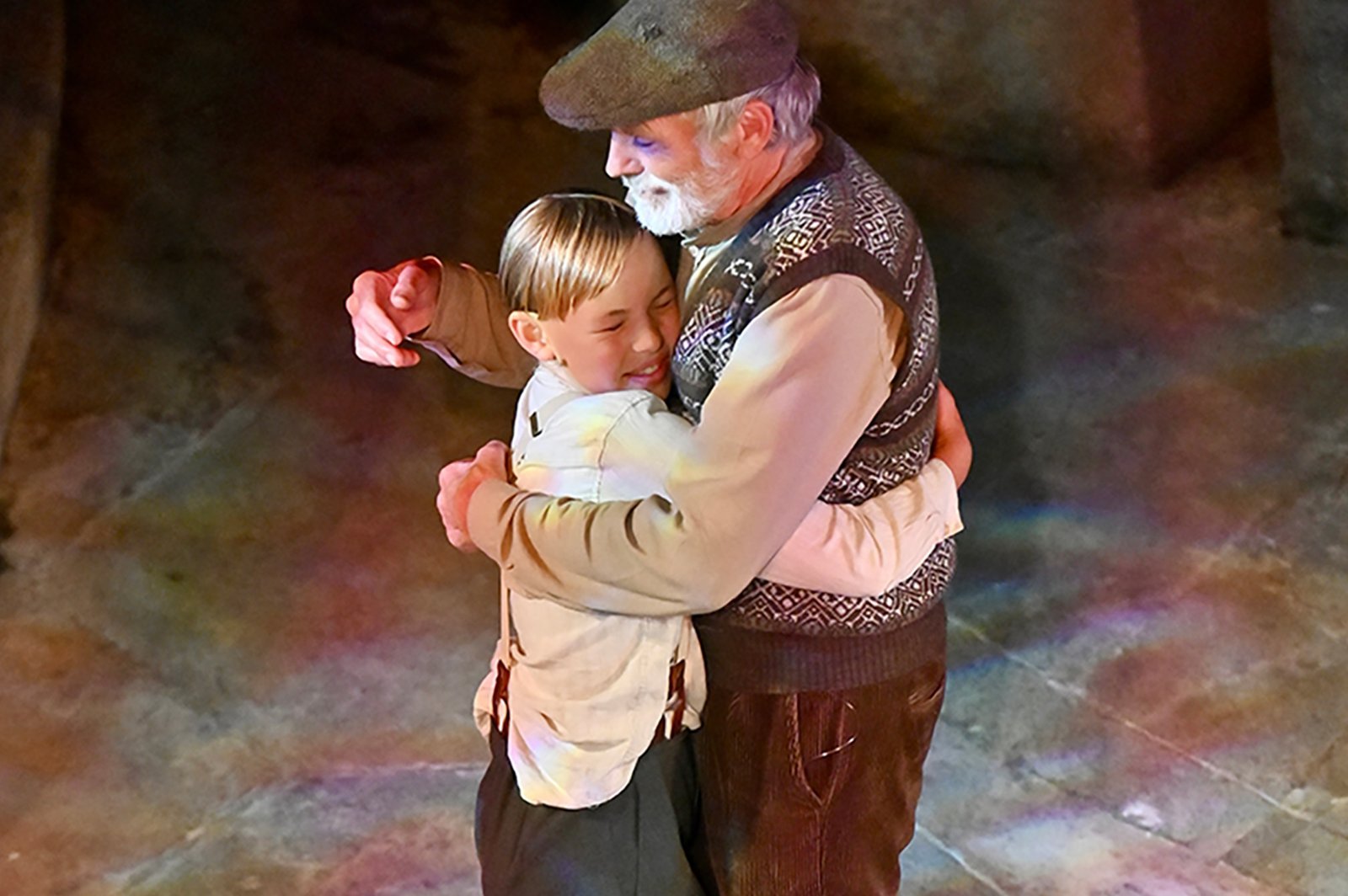
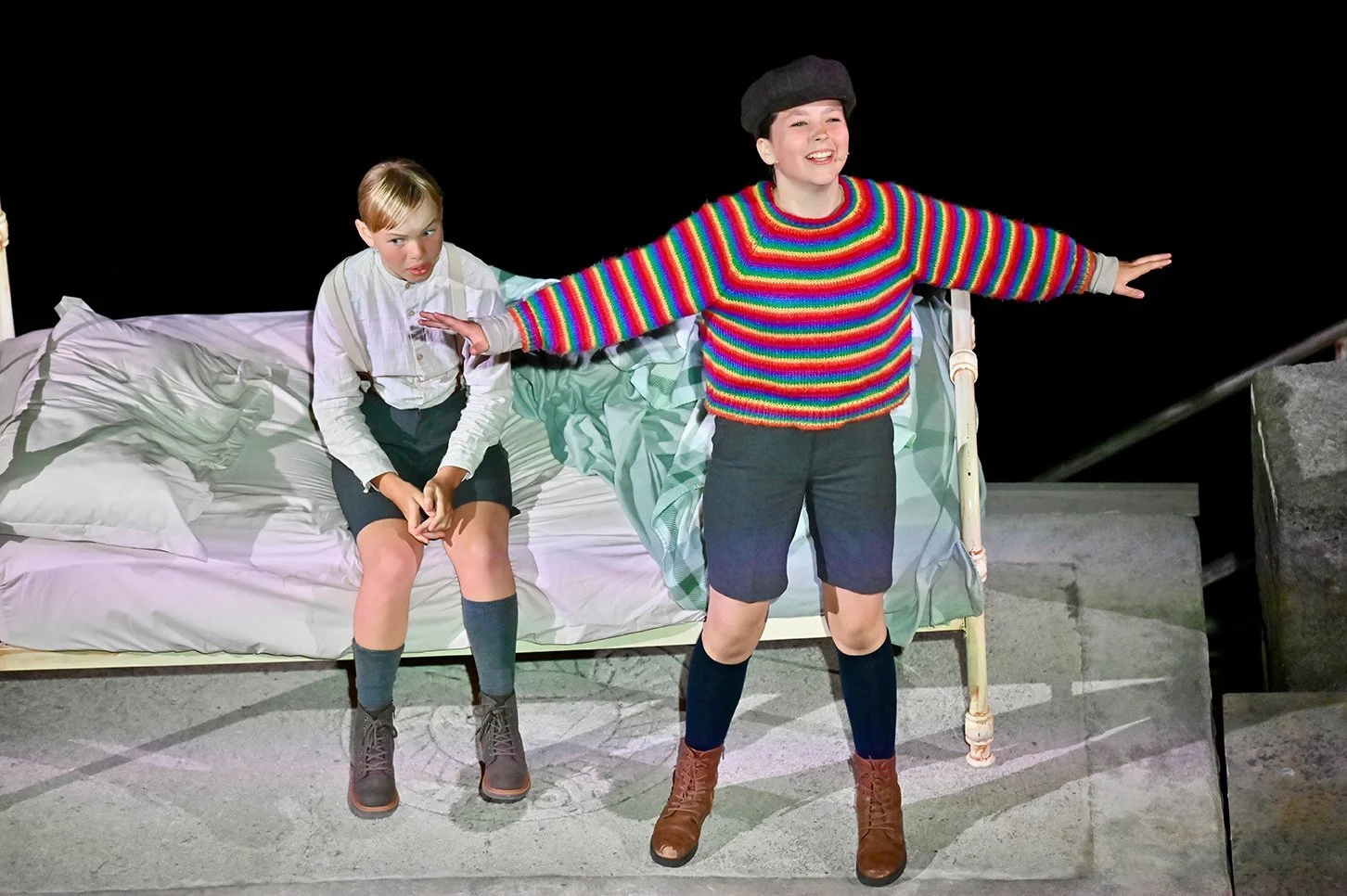
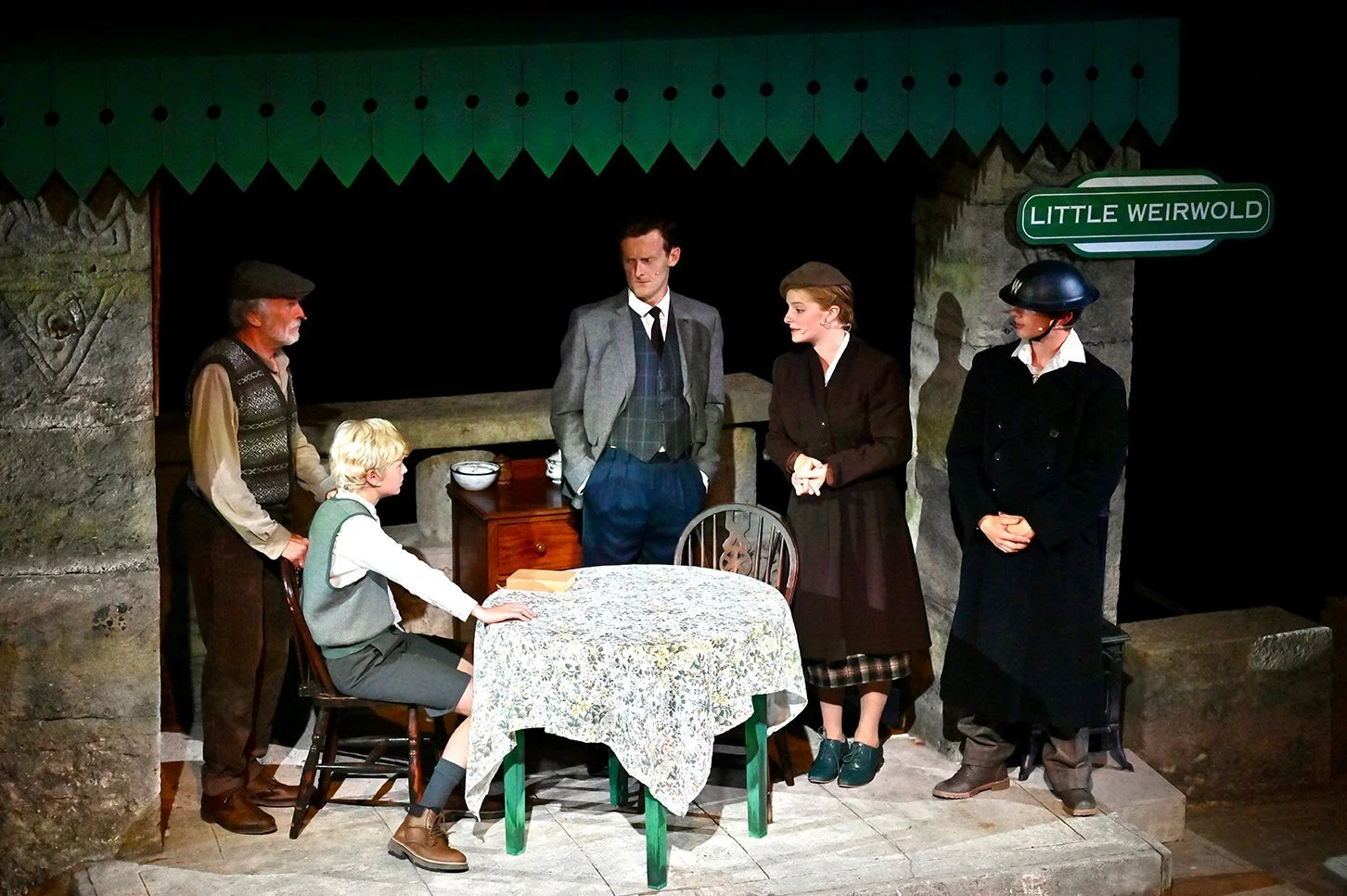
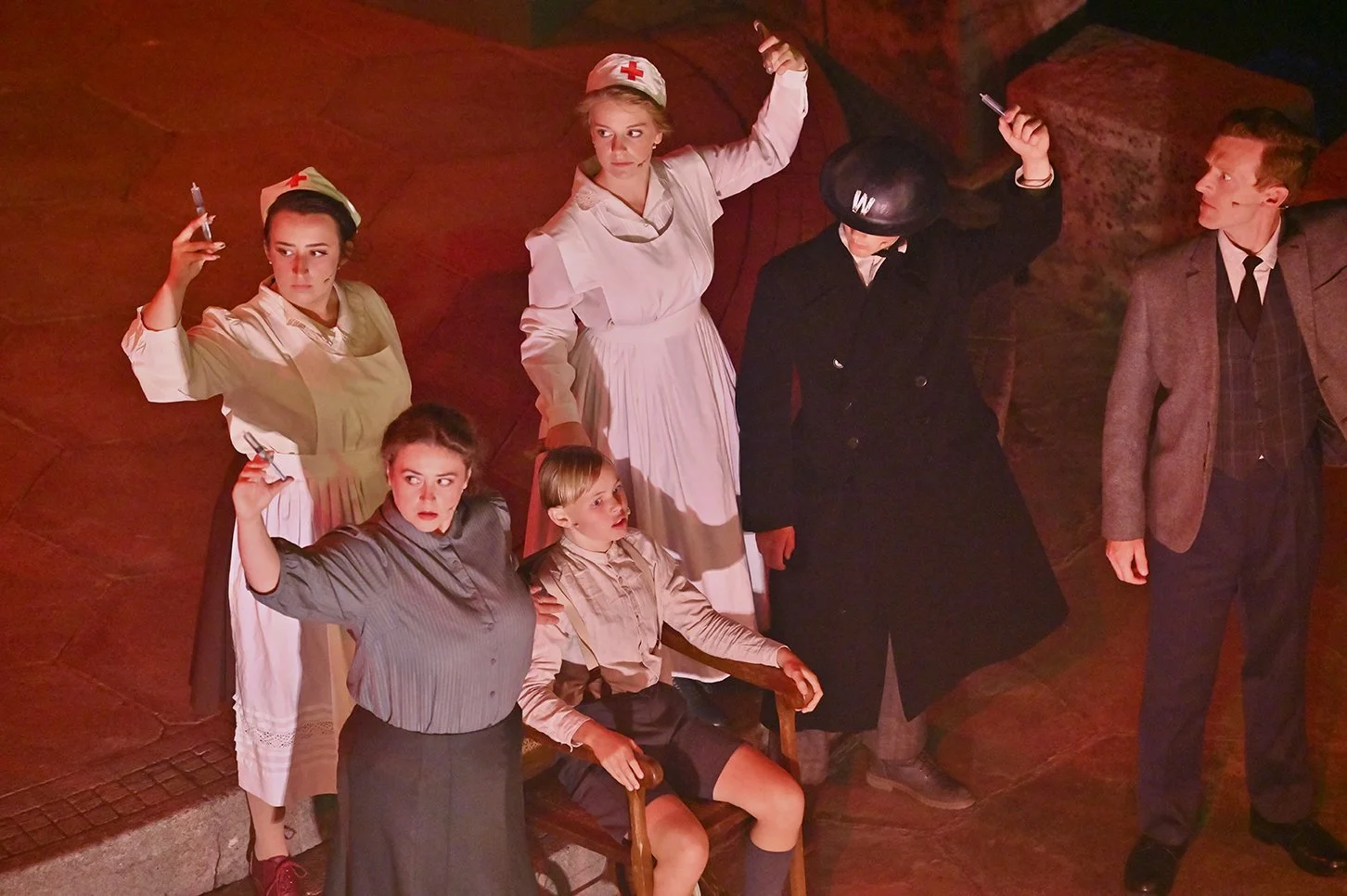
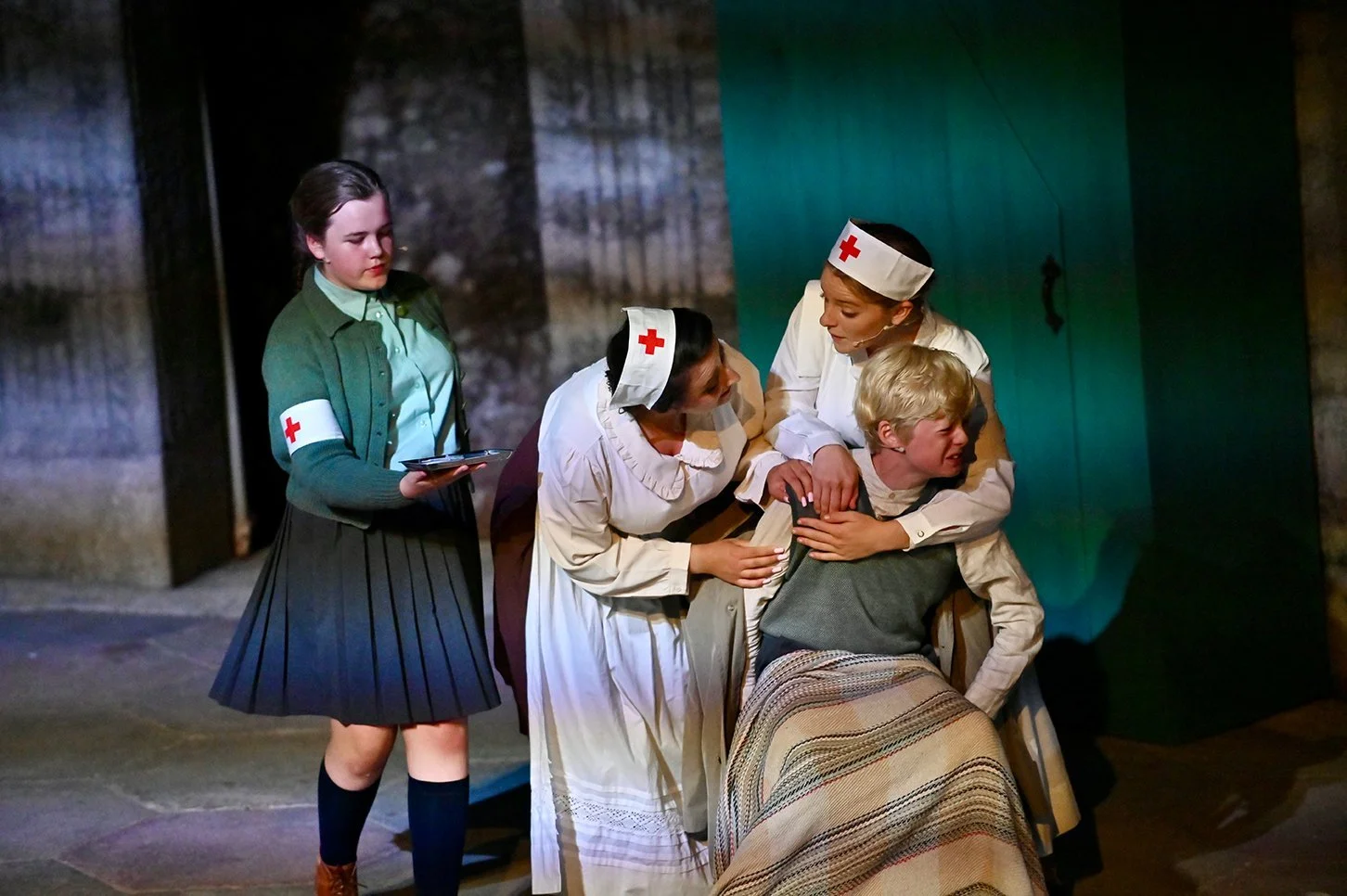
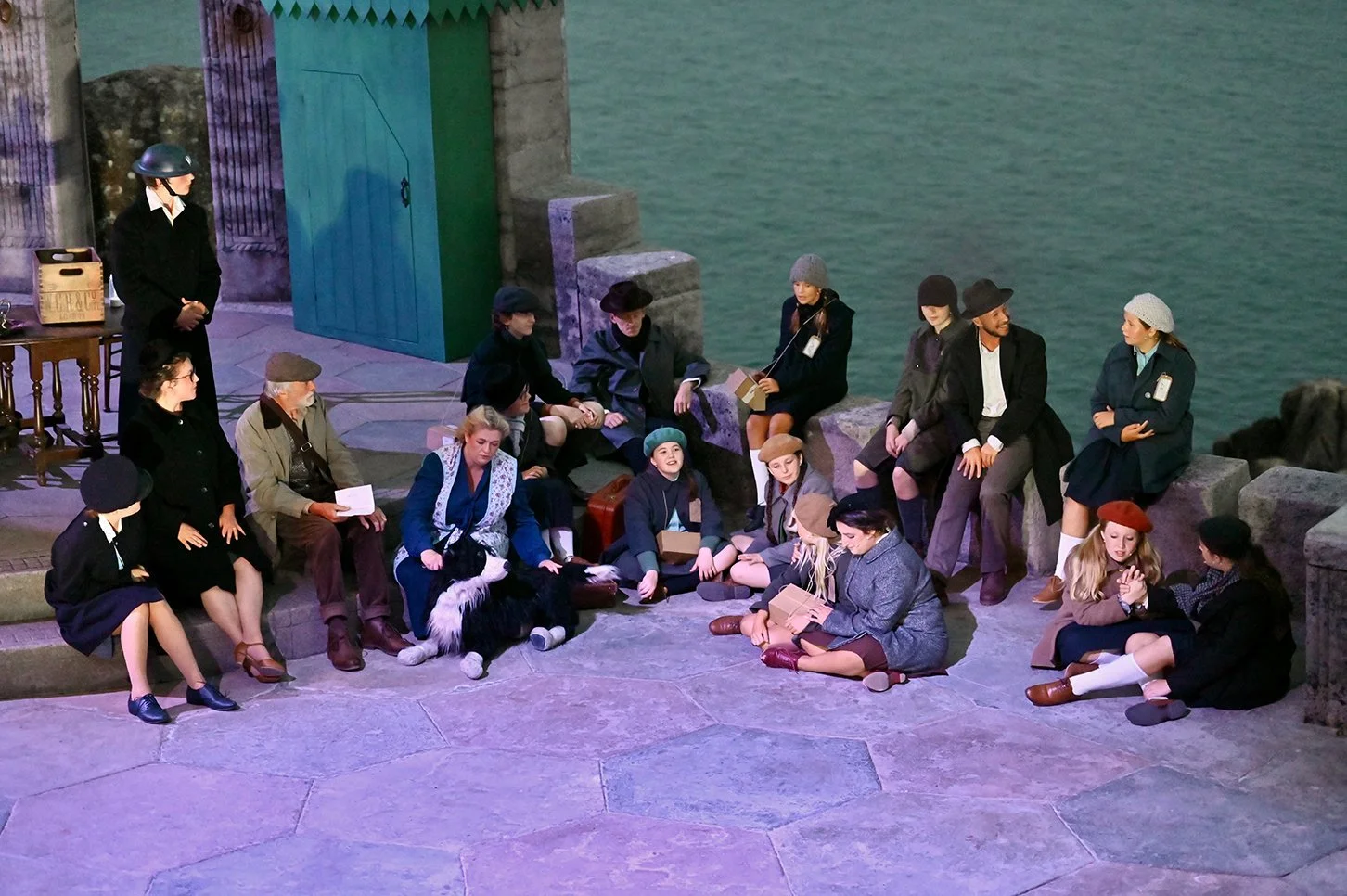
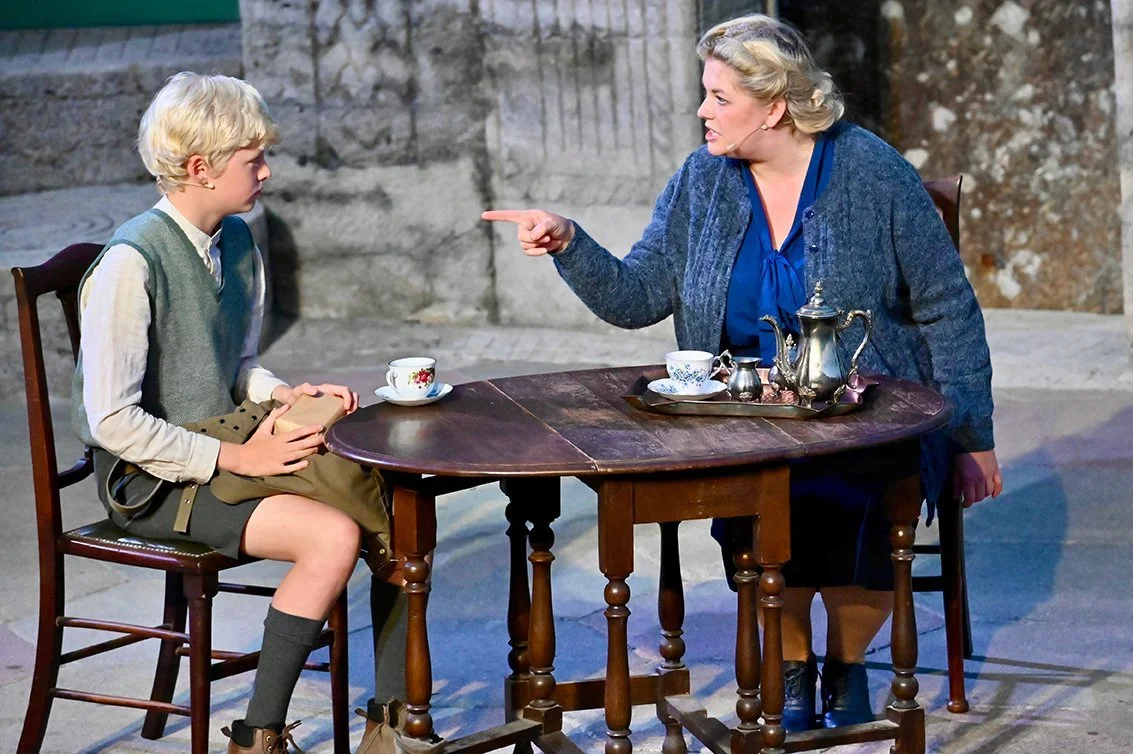
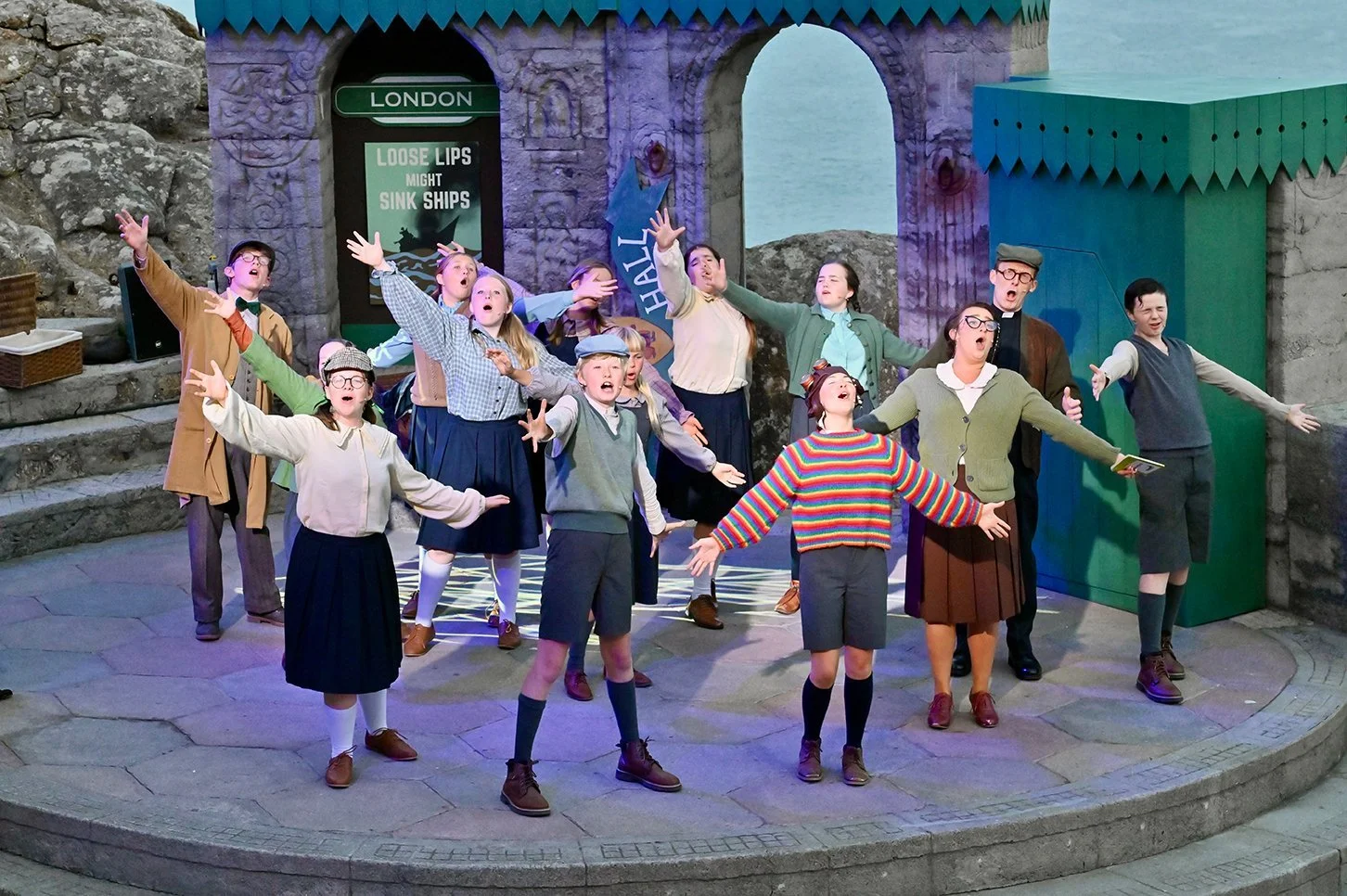
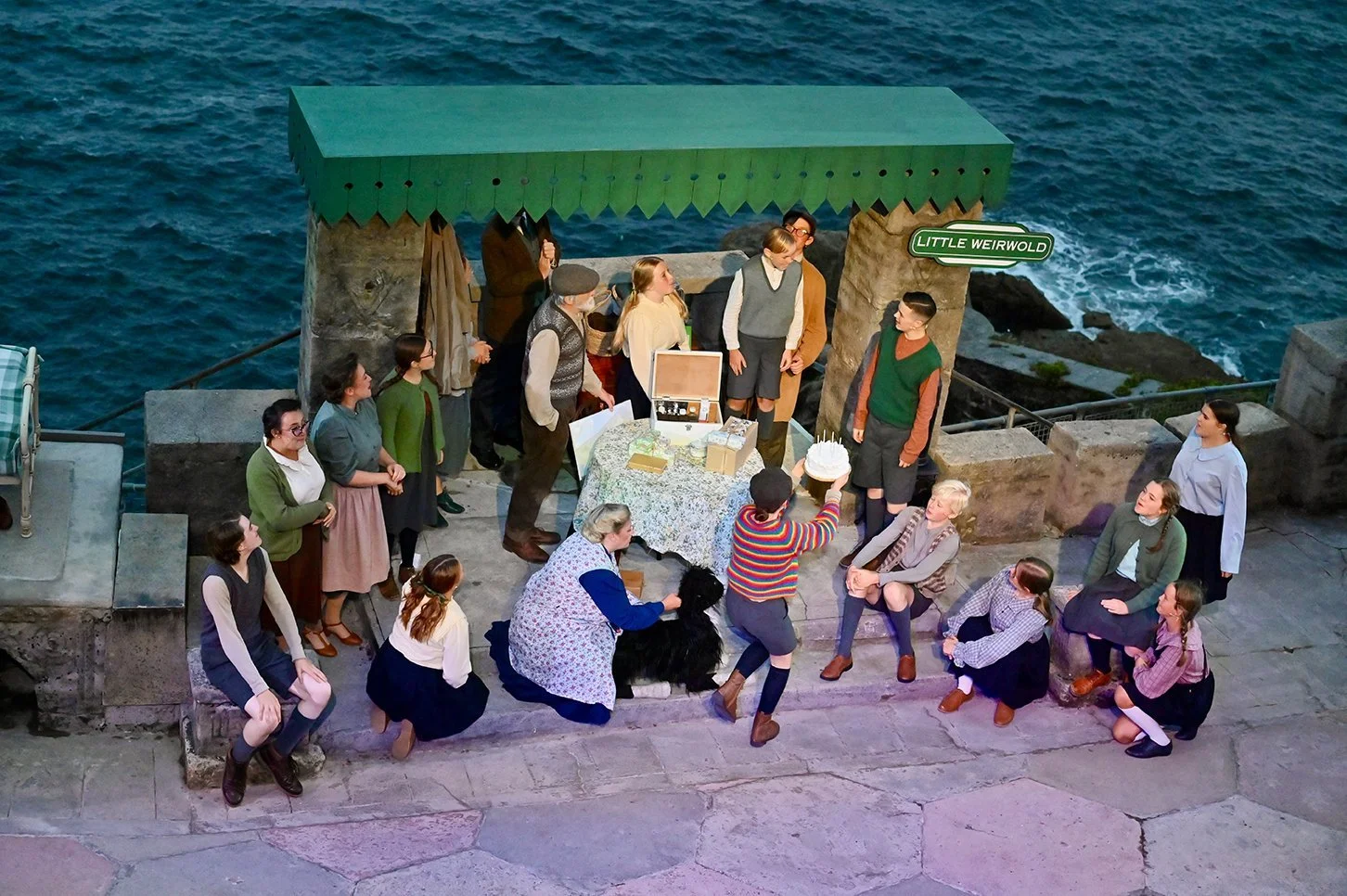
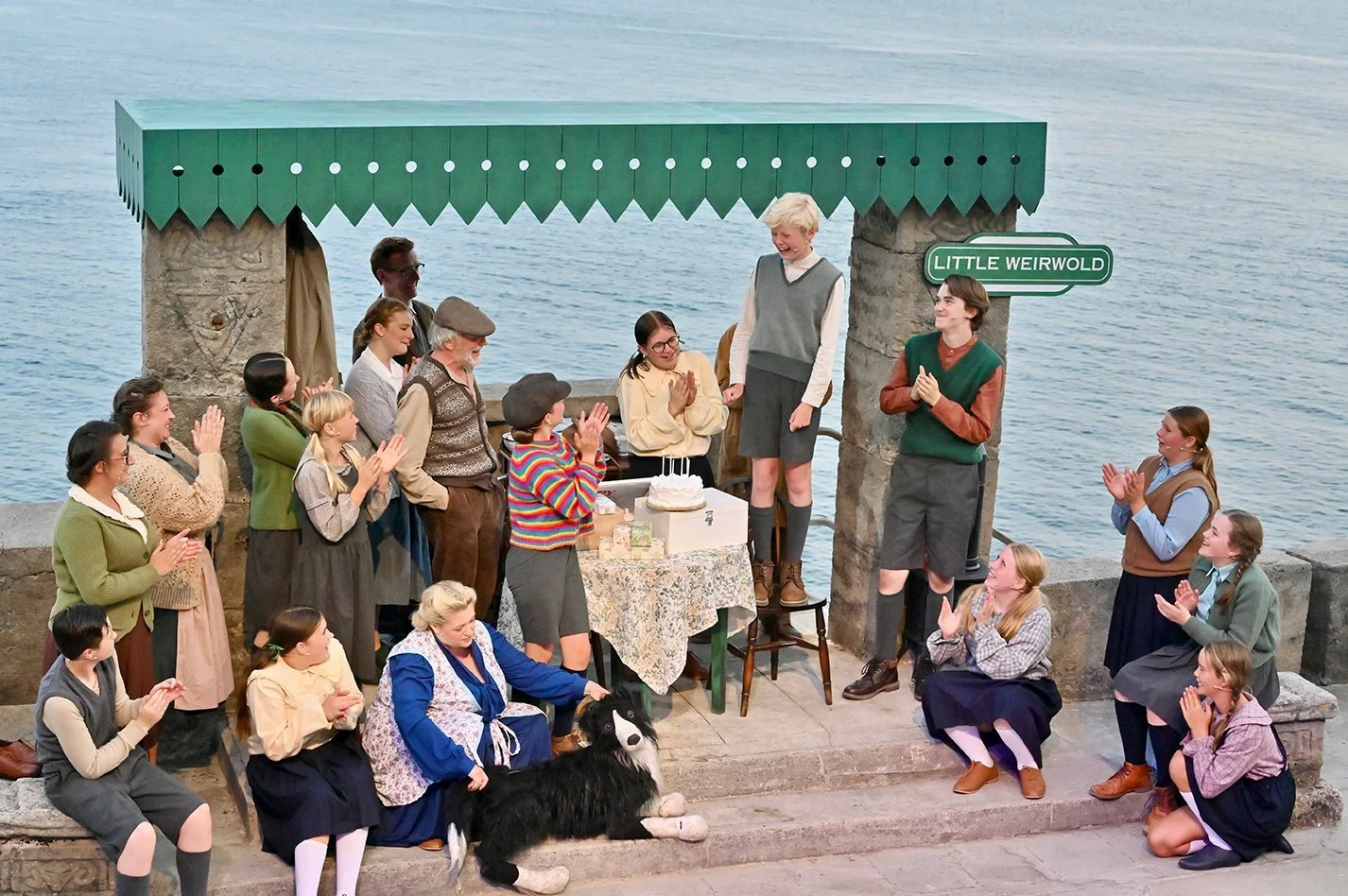
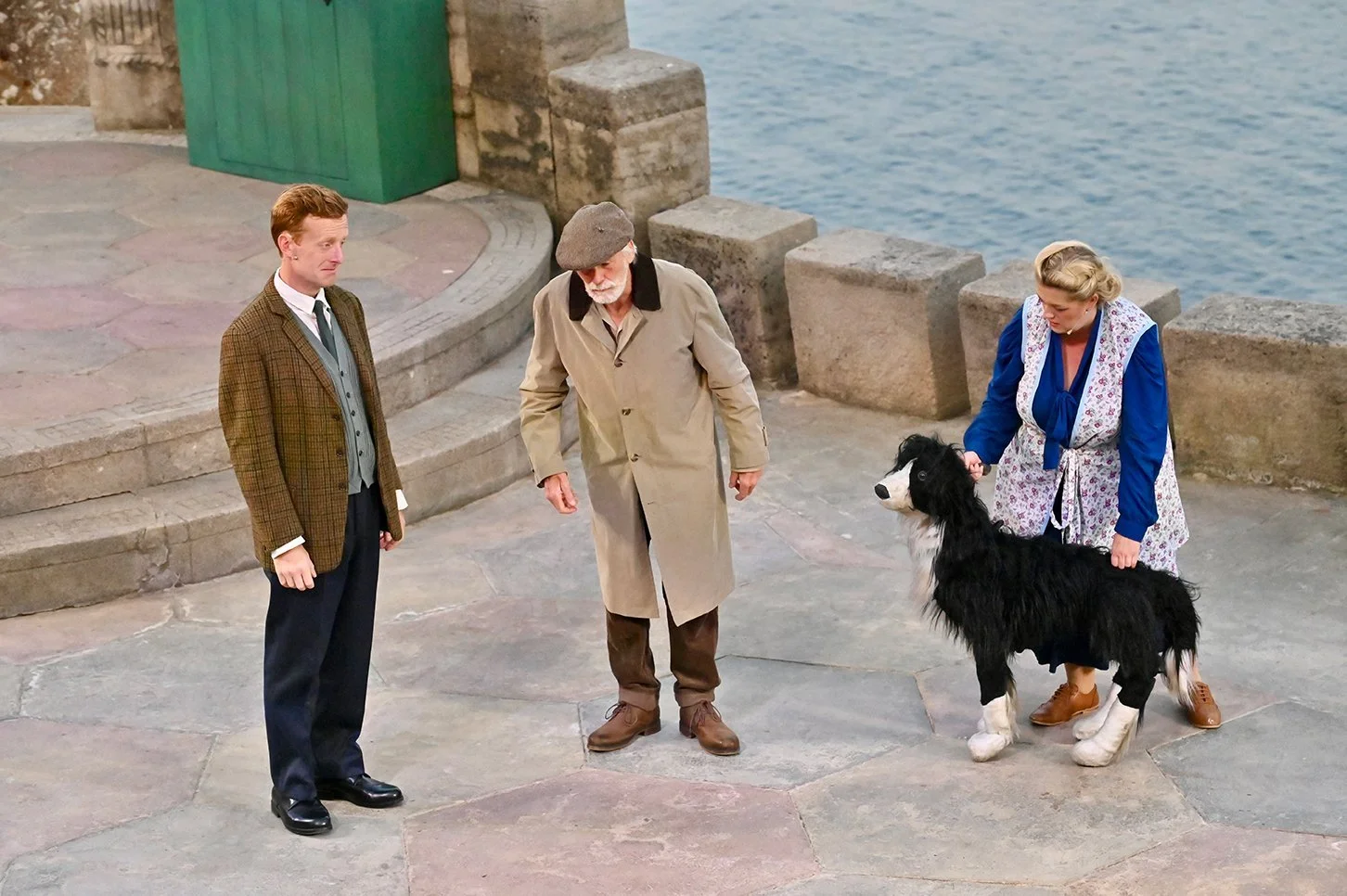
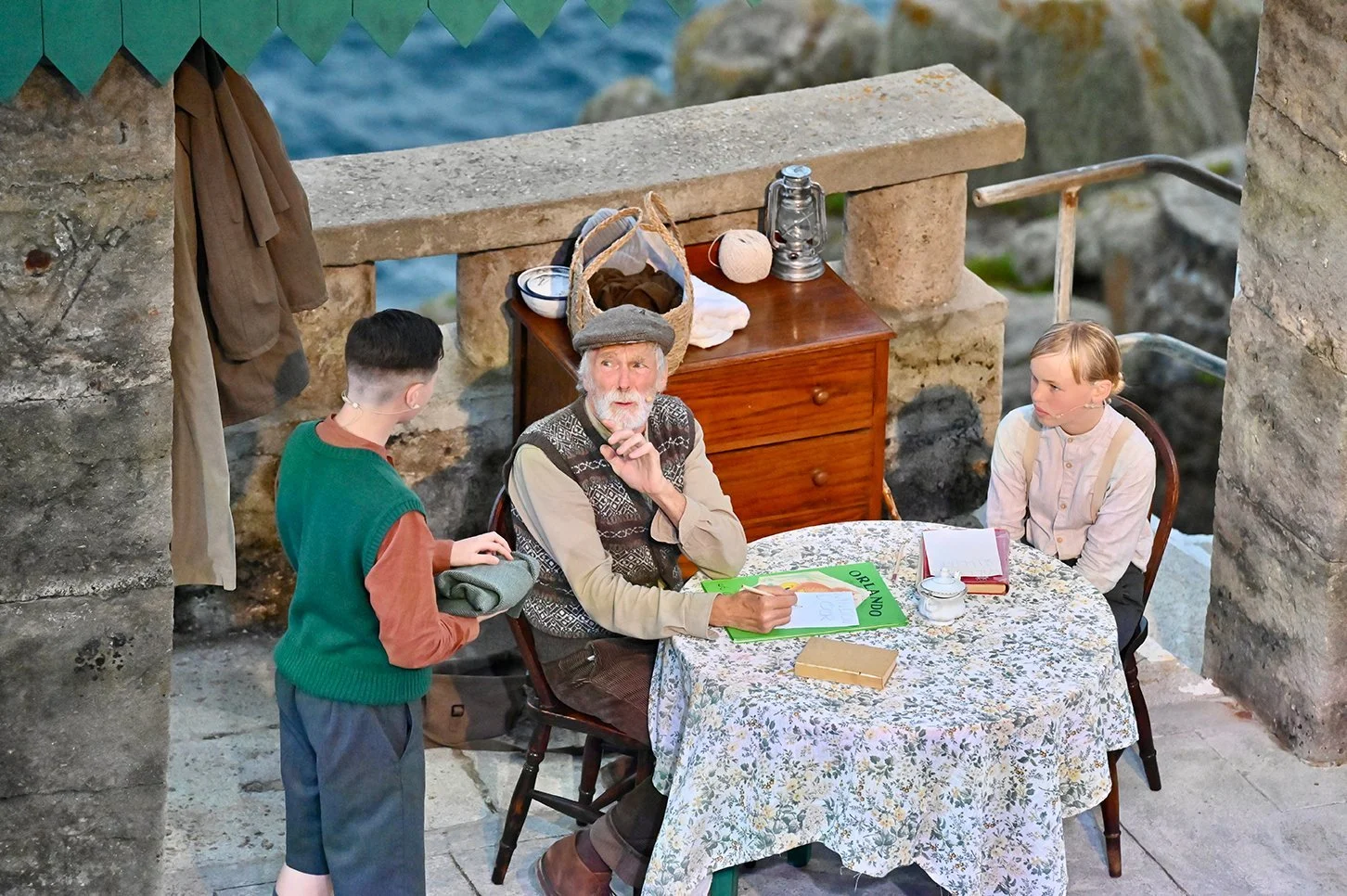
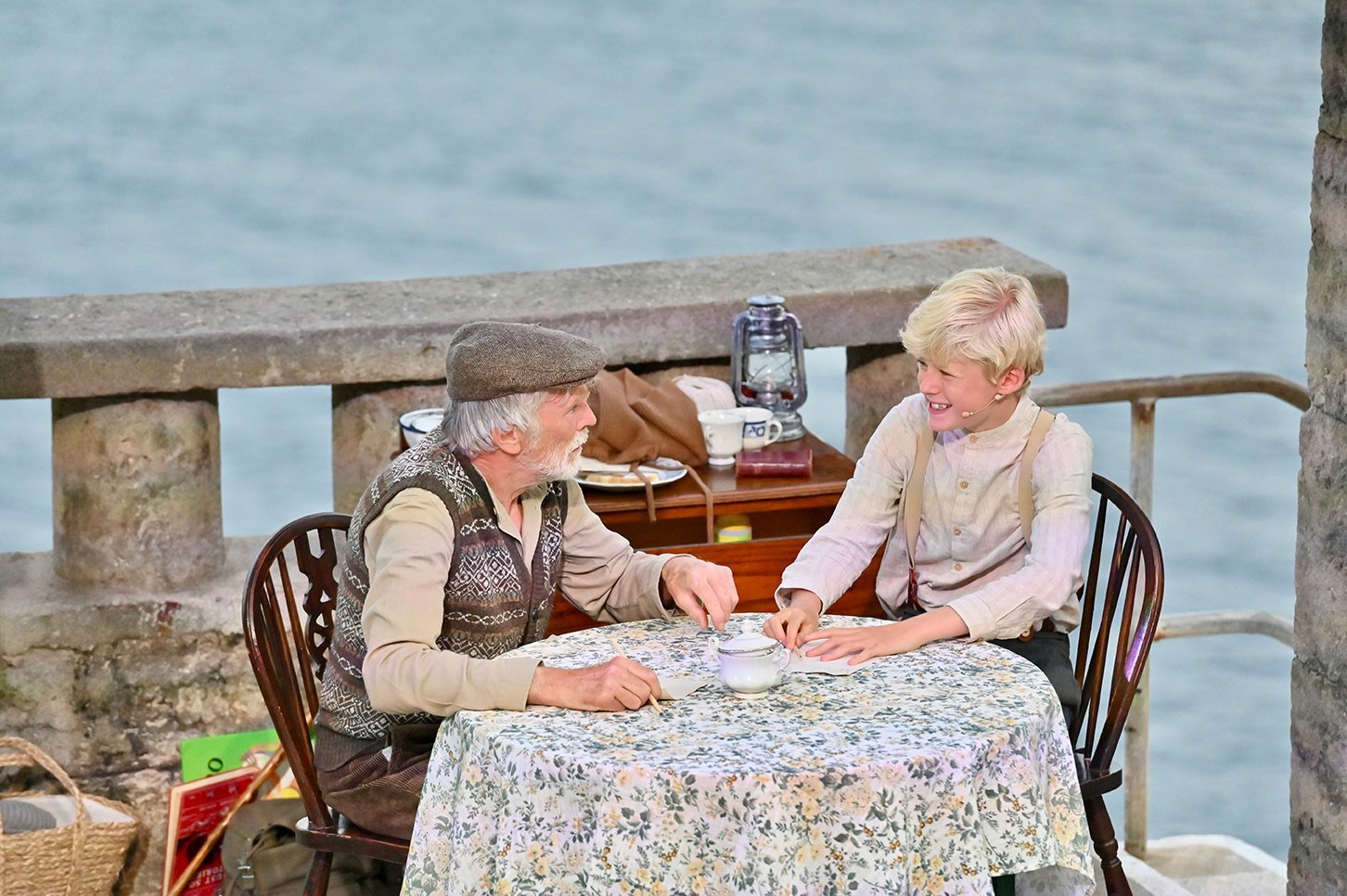
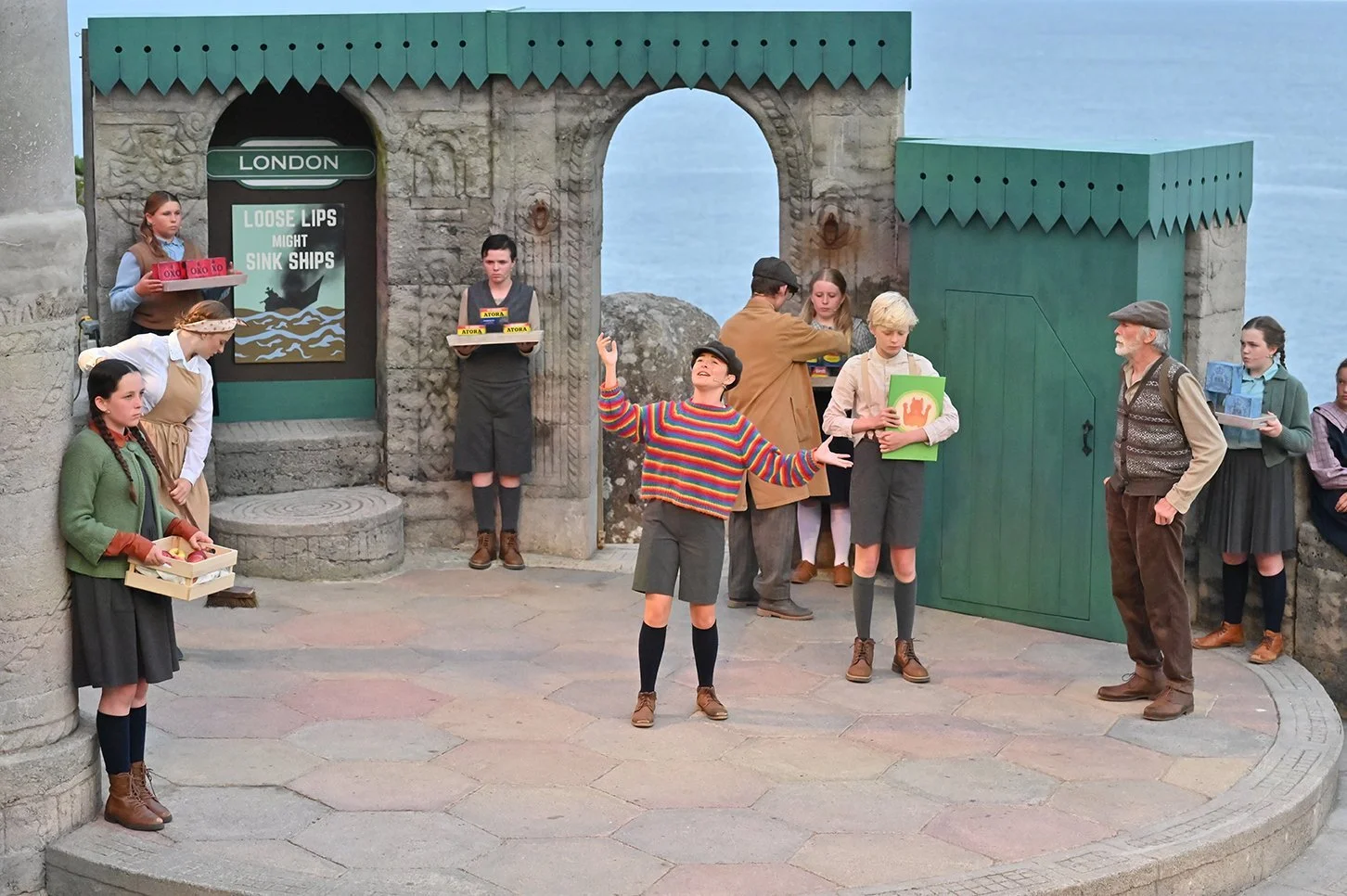
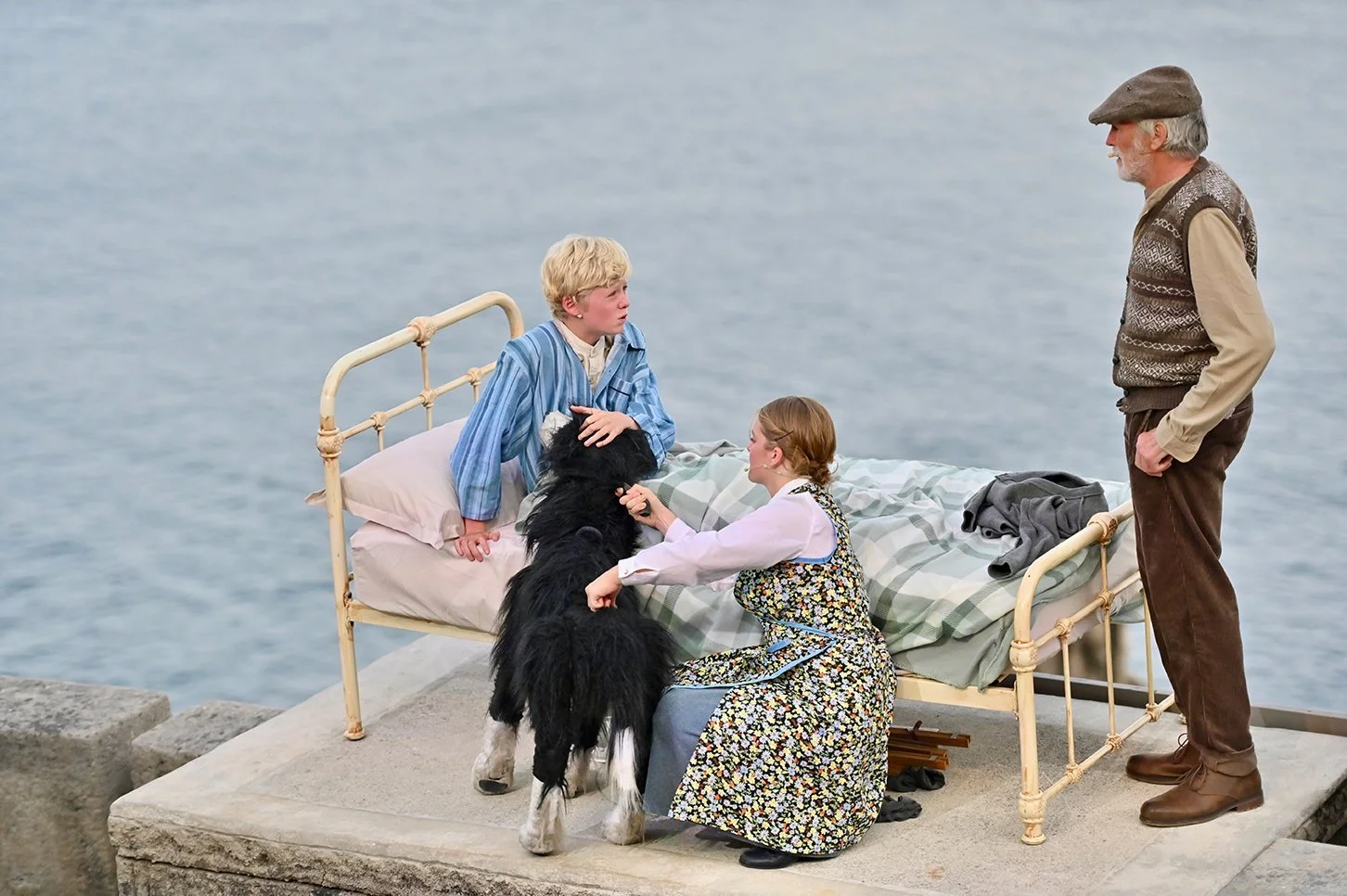
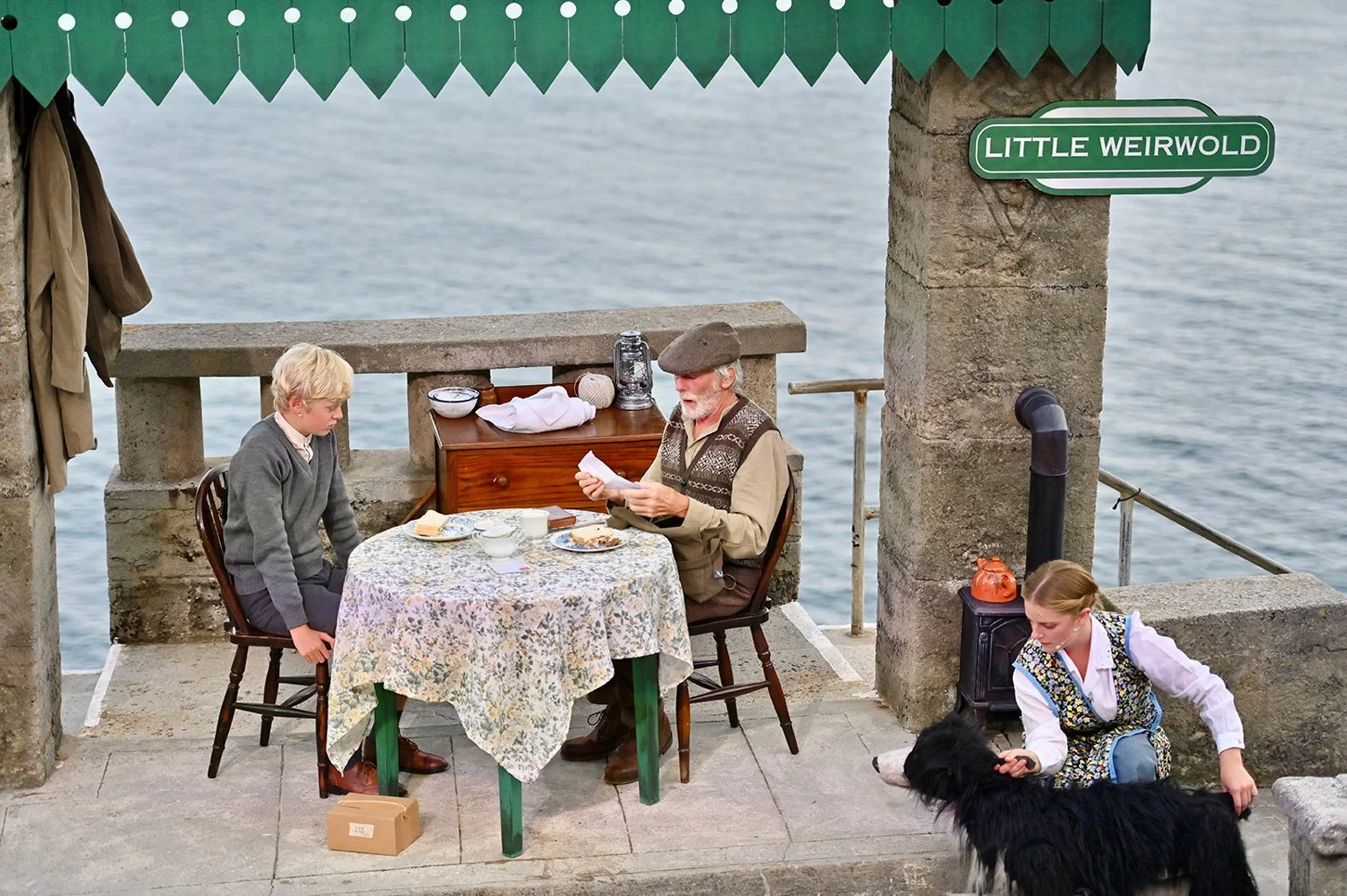
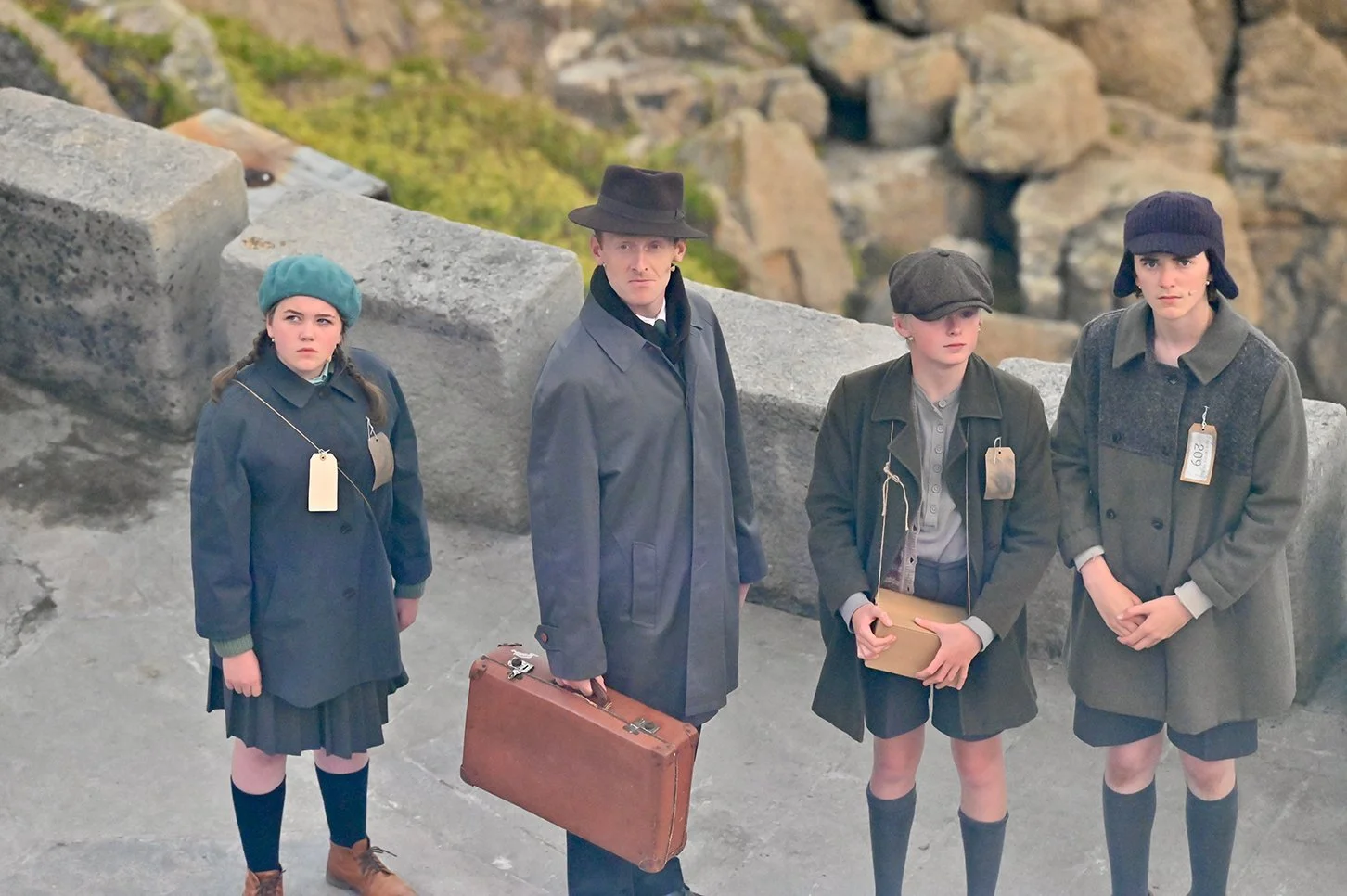
Goodnight Mister Tom was a large-scale production at the Minack Theatre, with a cast of adults and young performers working across two cast versions. The production combined spoken drama with live music, underscoring and sound effects throughout the show.
The production had one full technical day and two dress rehearsals before an 18-performance run across August and September. Sound operation was shared across the run, with me operating as Sound No. 1 for the majority of performances and another operator running the show from the programming and design I had prepared.
My part
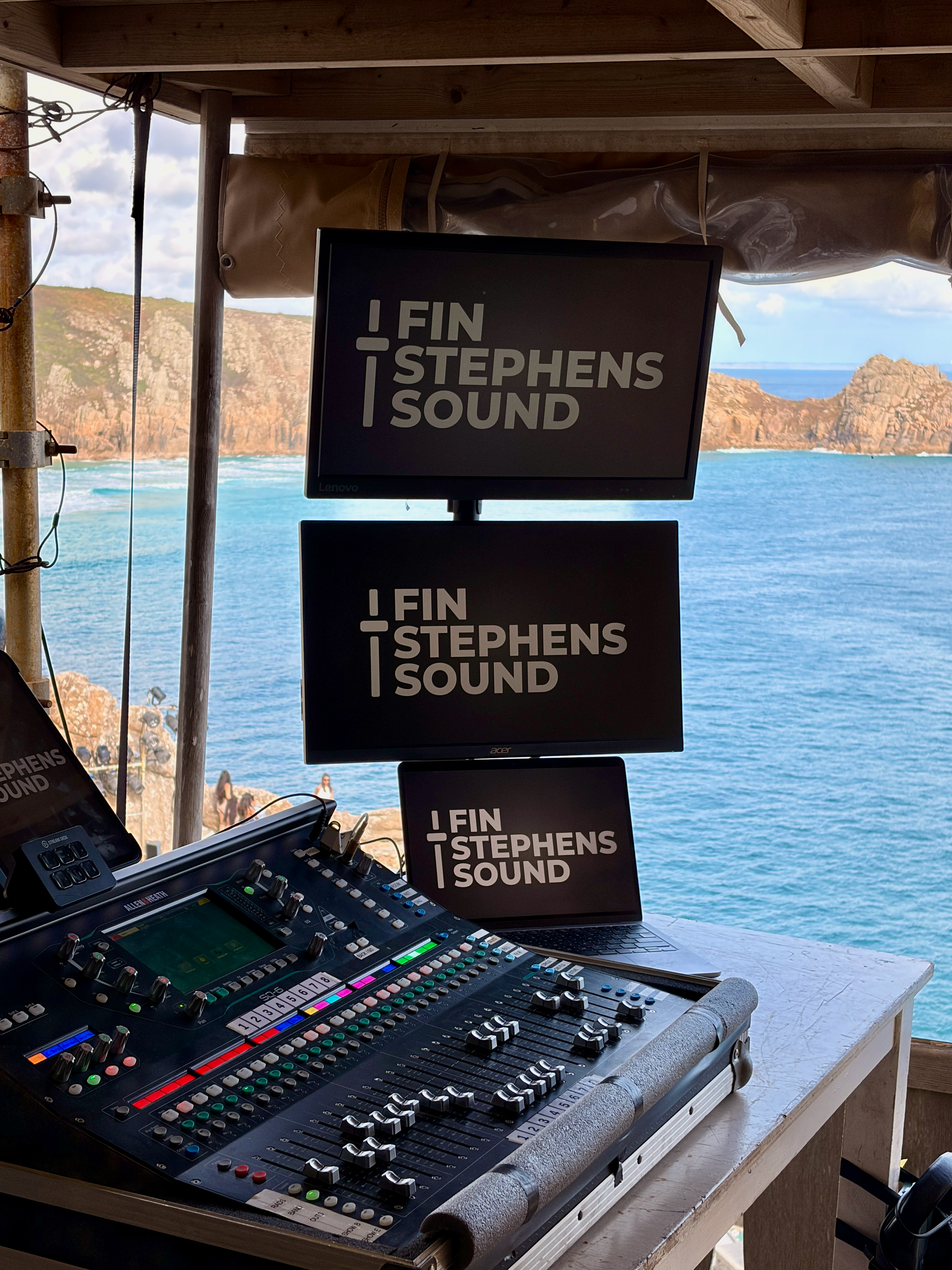
As Sound No. 1, I was responsible for programming TheatreMix, mixing the 20 cast radio microphones and live musicians, including the live pre-show music, and setting up and programming QLab for the production. Most of the original sound effects were provided by the director and Musical Director, which I levelled, adapted, layered and programmed into the show, using processing including dynamic EQ, compression and reverb within QLab.
I also built the control side of the show so TheatreMix could trigger QLab, allowing microphone cues and playback to be advanced together from a single footswitch. As the run was shared with another sound operator, I made sure the programming, script and cue information were clearly labelled so the show could be operated consistently when I wasn’t there.
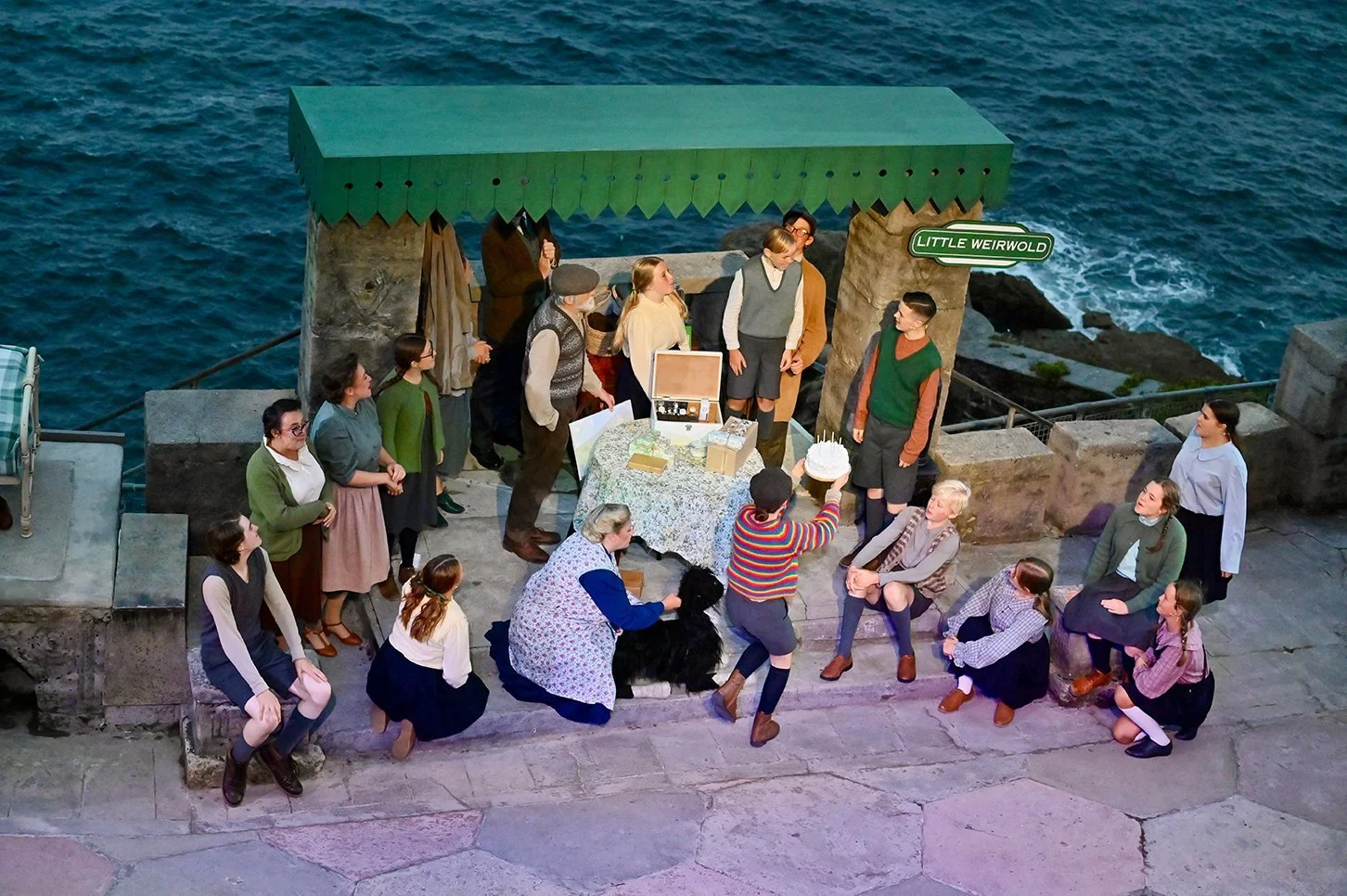
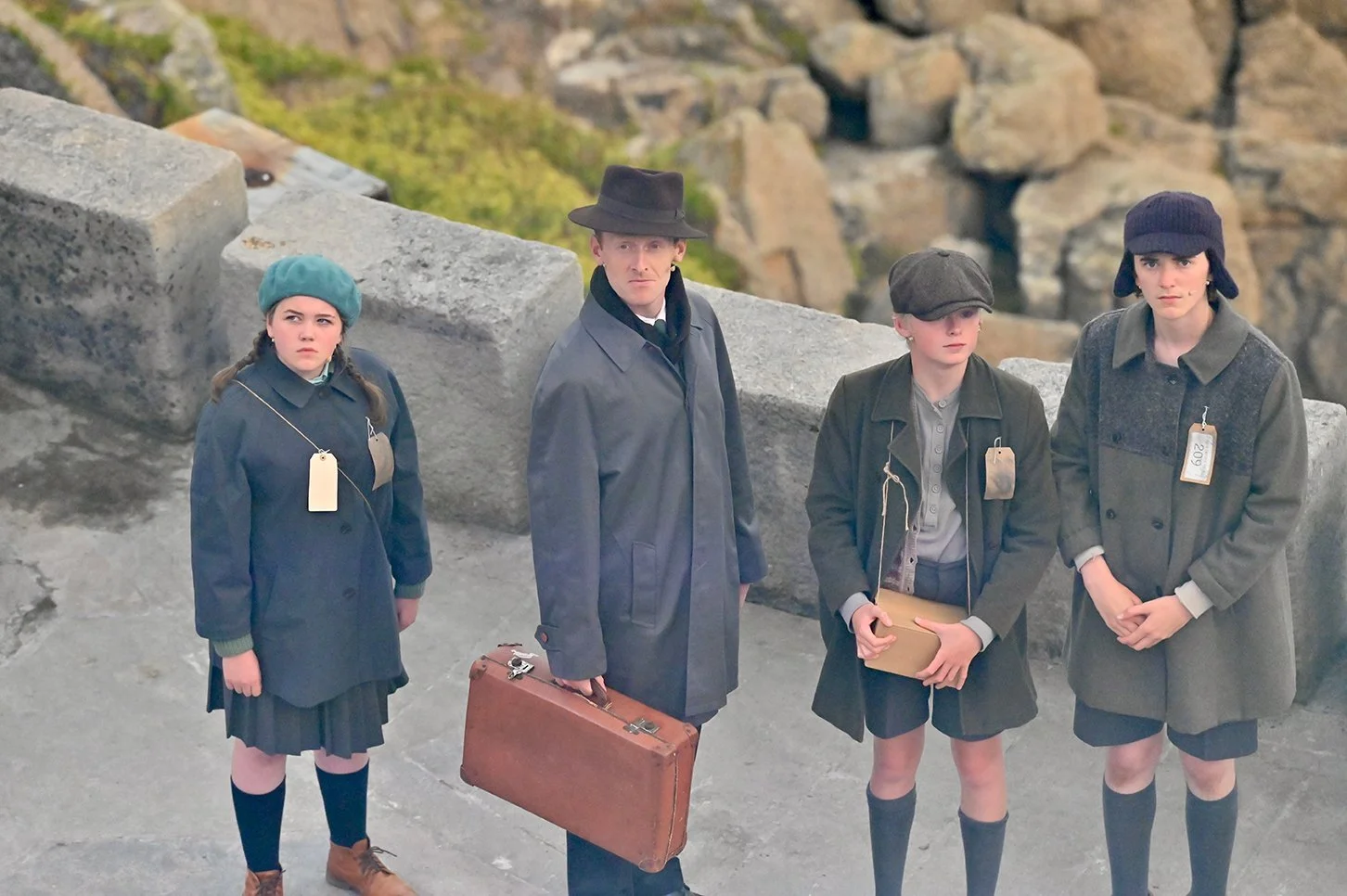
SOUND APPROACH & GOALS
The main aim was to create a detailed and consistent soundscape that supported the story, while building a system that could handle two casts and be operated reliably across an 18-show run.
INTEGRATING PLAYBACK & MIXING
I linked TheatreMix and QLab so playback cues could be triggered alongside microphone cues from a single GO button. This allowed me to operate the show from a footswitch while keeping my hands available for mixing, and reduced the number of separate actions needed during sections where dialogue and sound cues happened close together.
BUILDING THE SOUNDSCAPE
Sound effects and underscoring were used throughout the production to support locations, transitions and key moments in the story. I set up the QLab workspace, levelled and programmed the supplied material, and adapted and layered effects provided by the director and Musical Director. I also redesigned some sections and used processing within QLab to make the different elements work naturally together. An additional effects speaker was positioned further upstage to localise sounds including the baby crying, radio announcements, ticking clocks and birds within the action.
MANAGING TWO CASTS
The two casts used the same group of performers, with several actors swapping characters between versions of the show. I stored each actor’s processing in TheatreMix so their settings could follow them when changing character assignments, and built Stream Deck controls to quickly switch the system between the two casts using Companion.
CHALLENGE & SOLUTION
The challenge:
When I joined the production, an existing TheatreMix file had already been started but was programmed around the wrong cast information. With two casts swapping several roles, the assignments couldn’t reliably follow the actual cast lists and the file needed to be rebuilt shortly before the technical rehearsal.
The Solution:
I reprogrammed TheatreMix around the correct cast lists and rebuilt the character assignments before the show opened. I also stored each performer’s processing separately, allowing their settings to follow them when switching between casts, and created Stream Deck controls to make changing the entire show between Cast 1 and Cast 2 quick and reliable.
NIGHTMARE TRANSITION
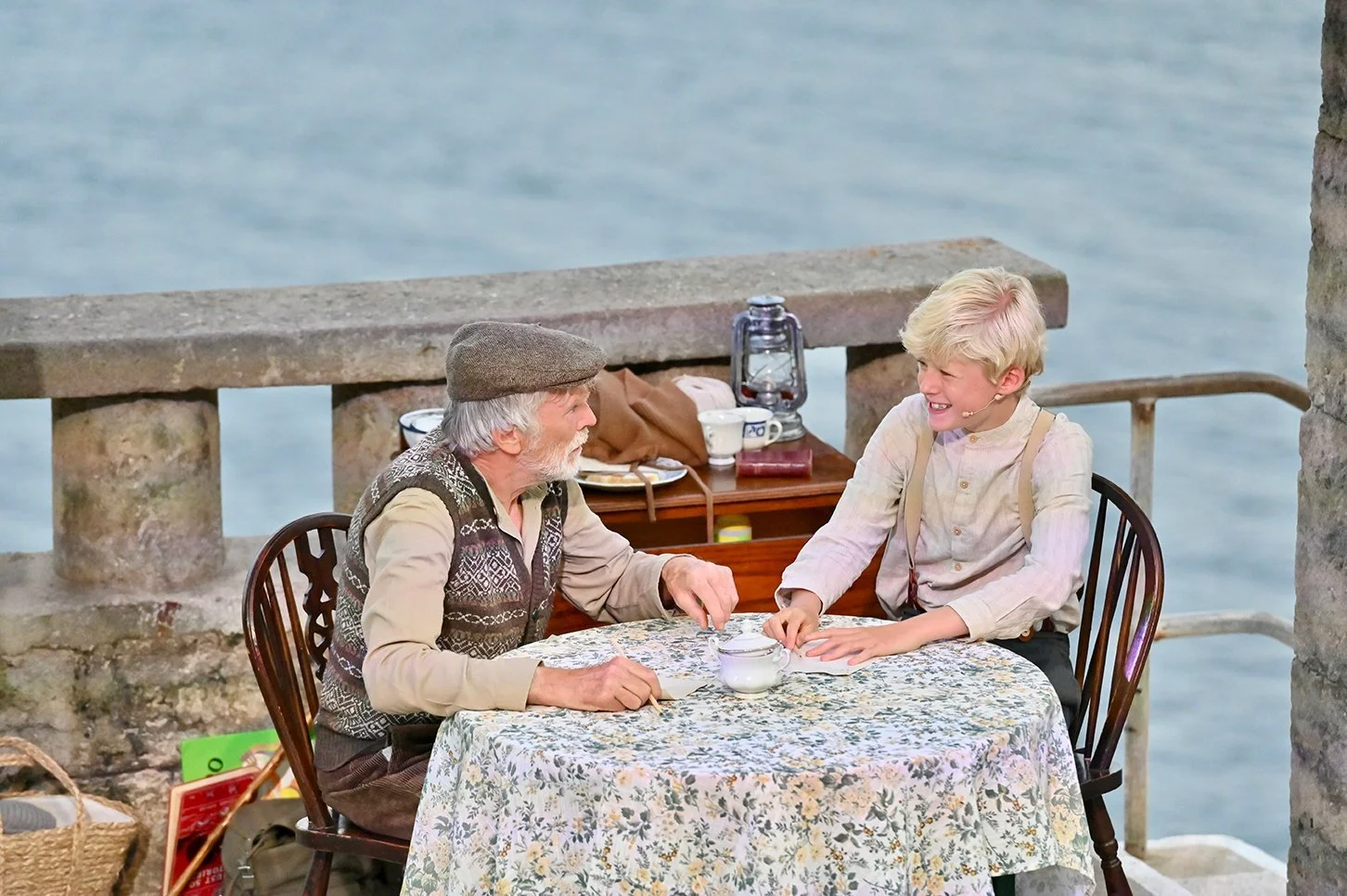
The transition into William’s nightmare begins in the hospital with the emergency bell ringing. As the scene starts to zone out, I gradually increased the reverb on the bell while fading it away, with a train whistle building underneath and leading into the nightmare effect. The sequence was triggered from a line cue and designed to make the transition feel like we were moving away from the hospital and into William’s head.
ZACH’S DEATH
Zach’s death begins with a plane approaching while he is singing. I used integrated fades in QLab to gradually increase the level of the plane as it travelled up the theatre, making it feel as though it was getting closer and passing overhead. I then added a sequence of follow-cued explosions to turn the original single bomb into a larger bombardment, with the timing programmed to work alongside flashes from the face lights on each explosion.
SOUND DESIGN
Alongside programming QLab for the production, I adapted and redesigned several sound moments using layering, fades, processing and cue timing to support the action on stage.
NIGHTMARE TRANSITION
The transition into William’s nightmare begins in the hospital with the emergency bell ringing. As the scene starts to zone out, I gradually increased the reverb on the bell while fading it away, with a train whistle building underneath and leading into the nightmare effect. The sequence was triggered from a line cue and designed to make the transition feel like we were moving away from the hospital and into William’s head.
ZACH’S DEATH
Zach’s death begins with a plane approaching while he is singing. I used integrated fades in QLab to gradually increase the level of the plane as it travelled up the theatre, making it feel as though it was getting closer and passing overhead. I then added a sequence of follow-cued explosions to turn the original single bomb into a larger bombardment, with the timing programmed to work alongside flashes from the face lights on each explosion.
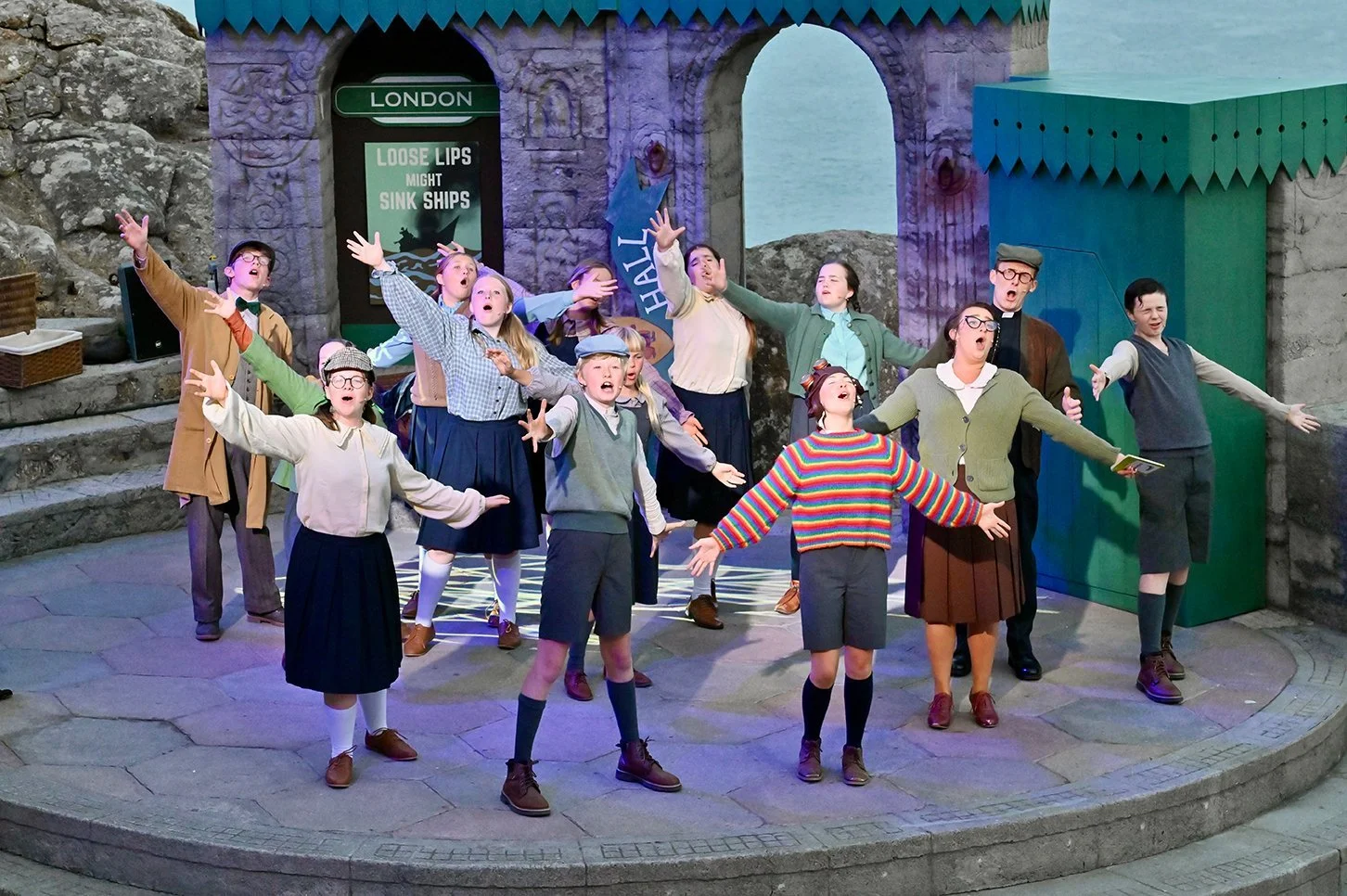
The Underground
During the Underground scene, the cast sing while sheltering in the London Underground. I used reverb across the radio mics to create a larger, more reflective space and make the vocals feel as though they were coming from inside the tunnels. The audio below is a live recording from the production, demonstrating the cast mix and processing used during the scene.
THEATREMIX & SHOW CONTROL
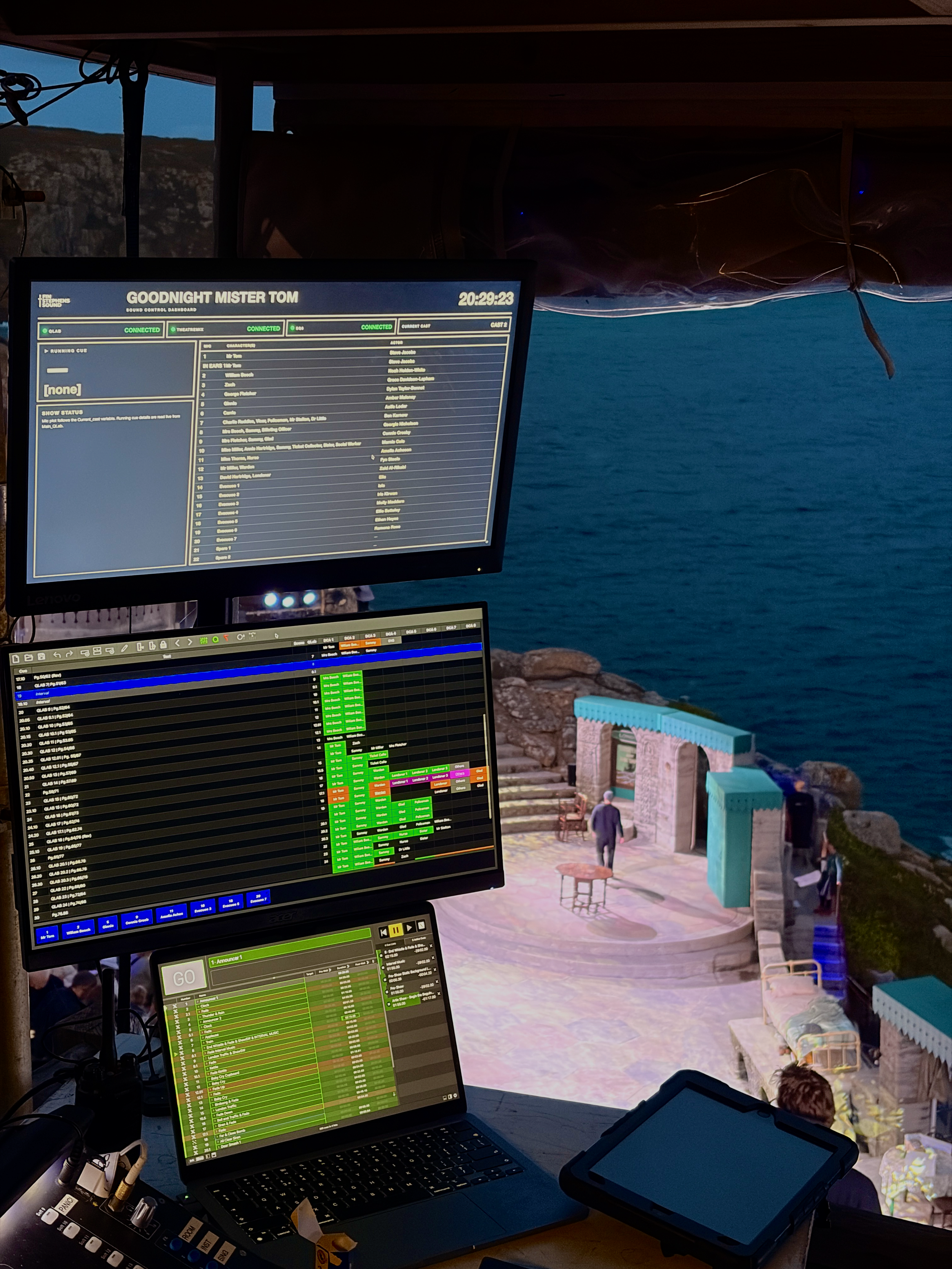
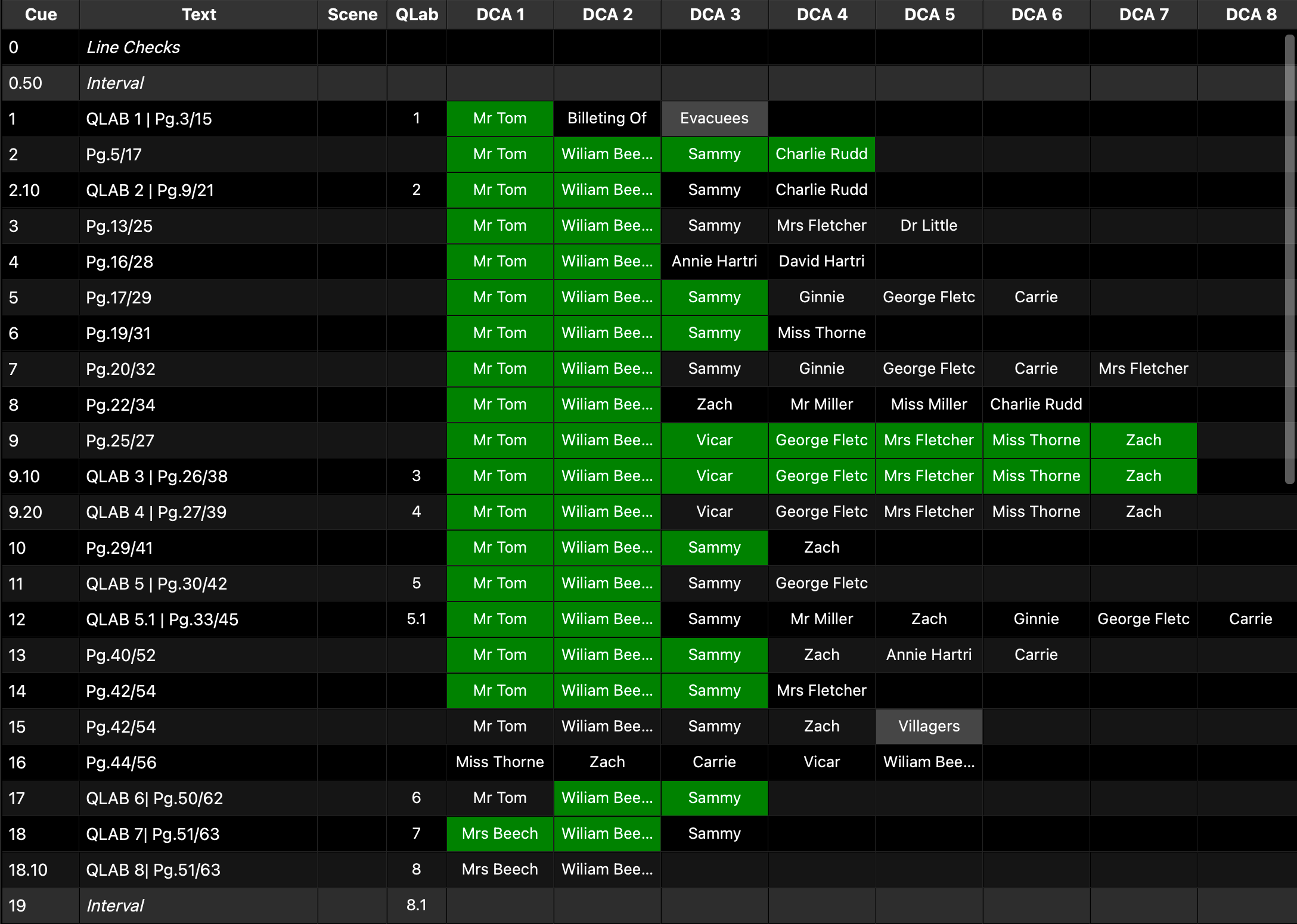
The SQ6, TheatreMix, QLab and Companion were linked together to create an integrated show control setup, making the production easier to operate while managing two casts and keeping important information easily accessible throughout the run.
CAST MANAGEMENT
With performers swapping roles between the two casts, I programmed TheatreMix so each actor’s processing could be stored and recalled when changing cast. This allowed the microphone assignments and individual processing to be switched between Cast 1 and Cast 2 quickly, rather than having to manually rebuild settings for each version of the show.
INTEGRATED SHOW CONTROL
TheatreMix was linked directly with the SQ6, allowing microphone assignments and each performer’s processing to be managed alongside the cue structure of the show. Combined with QLab and Companion, this created a connected system where the different parts of the production could be managed from a consistent setup throughout the run.
COMPANION & CUSTOM DASHBOARD
I used Companion and Stream Decks to keep important show controls and information in one place, including cast switching, cue information and other functions used throughout the production. I also created a custom HTML dashboard which displayed the microphone allocation for the current cast and monitored the connection status of each linked system, providing warnings if anything dropped off the network.